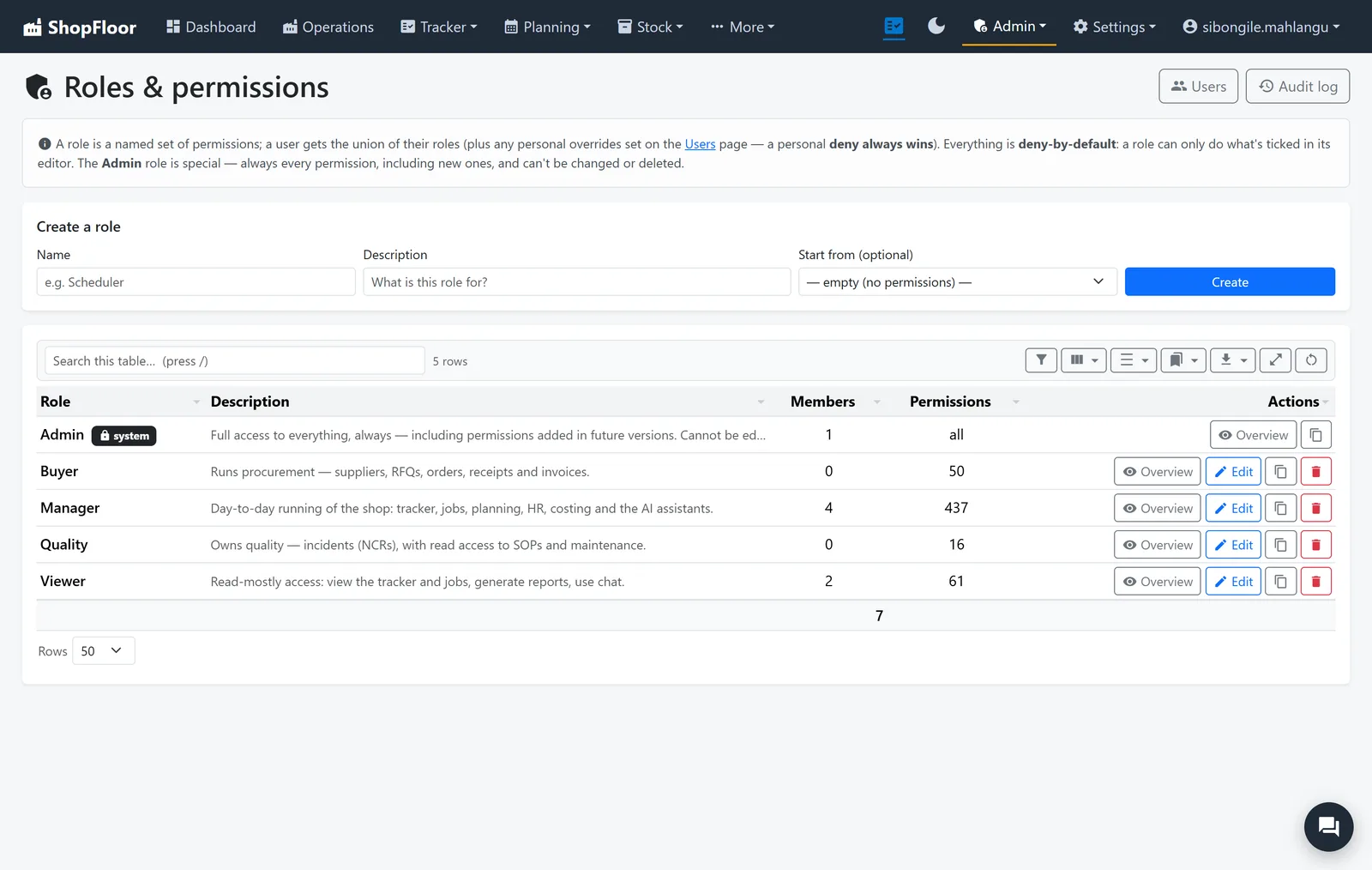
Roles you design.
Fine-grained permissions for every page, button and report, grouped into roles that match your shop. Individual people can have overrides, and a deny always wins.
- Deny by default: a new feature is closed until you open it
- The screen hides what you can't do; the server checks again anyway
- Refusals are neutral and never say who else could
- Costs and margins hidden from everyone without the key, in reports and AI answers too
The right door, from the right place.
Office sign-ins, floor PINs and wall screens are three separate doors, each with its own rules.
Two-factor sign-in
An authenticator code on top of the password, with recovery codes for a lost phone.
An access plan
Decide where each part of ShopFloor can be reached from, such as the office network only for the staff app.
Two people to switch it on
Plans are drafted, approved by someone else, then activated. Nobody approves their own.
Sign-in activity
Who signed in, from where, and when; failed attempts rate-limited.
Who changed what, and when.
Every change is written down, so a question about a job has an answer instead of an argument.
A daily audit file
Every change, by whom, kept for sixty days.
Field by field
Manager Station edits record the before and after of each field.
AI changes too
An assistant's change is applied as the person who approved it.
Backed up every night.
Encrypted whole-system backups on a schedule, with an off-site copy. A restore never destroys what it replaces.
Whole system, encrypted
Every database and setting in one encrypted archive, on a schedule you set.
Off-site copy
Optionally copied to OneDrive, so a fire in the office is not the end of the records.
The last good one stays
The newest successful backup is never deleted. Running out of room refuses a new one instead.
Restores that can be undone
Applied at the next start-up, with the previous data moved aside, not deleted.
It checks itself.
A red-amber-green report on the things that quietly go wrong: disk space, databases, background jobs, backups.
One page, red-amber-green
Everything technical that needs attention, worst first.
Emailed when you want it
A scheduled health report to whoever looks after the server.
For the record
A PDF of the report for the file or the auditor.
Your shop's records stay your shop's.
ShopFloor runs on a server you choose. The data lives in one folder, and back that up and you have backed up everything.
Where does it run?
On one server: a Windows machine on the office network, or a Linux host running it as a single container. Office PCs use a browser; the floor uses tablets. Rather not run a server? Ask us about hosting it for you.
Where is our data?
In one data folder on that server, a set of small databases and settings files. Updates replace the application and leave the data folder alone.
Can the wall screens show money?
No, by design. Department screens need no sign-in, so they show key figures only, never money or personal data.
What does the AI see?
Only what the person asking could open themselves. Provider keys are the shop's own, or there is no AI at all.
Want to see it on your own jobs? Contact us for more details, and we'll walk you through it in a short online meeting.